
 Harriet Wetton
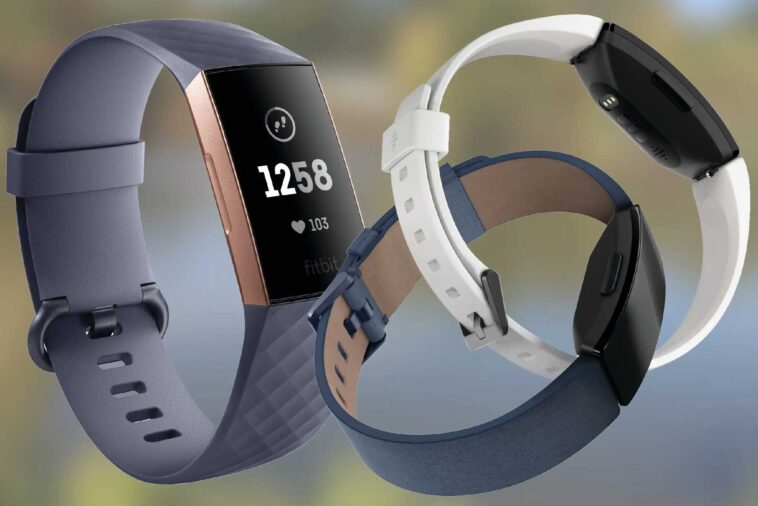
Hey there! If you’re facing some issues with your Fitbit Charge 3 and need a reset, don’t worry! I’ve got your back. In this comprehensive guide, I’ll walk you through the entire process of resetting your Fitbit Charge 3 step by step. Following these instructions, you can tackle common problems and return your Fitbit to its A-game. So let’s jump right in!
The Fitbit Charge 3 is an awesome fitness tracker known for its sleek design and advanced features. However, just like any electronic device, it can sometimes act up and give you a hard time. But fear not! Resetting your Fitbit Charge, 3 can often do the trick and bring it back to its former glory.
Charge your Fitbit Charge
Before resetting your Fitbit Charge 3, make sure it has enough battery life. Connect the device to its charging cable and wait until it’s fully charged. This will ensure that the reset process goes smoothly light mood and doesn’t cause any further issues. Once the device is fully charged, you can proceed with the reset process.
Why Resetting Your Fitbit Charge 3 is Important
Resetting your Fitbit Charge 3 offers several advantages:
· Syncing Issues: Are you having trouble getting your device to sync with your smartphone or computer? A reset can help establish a solid connection and ensure that your data transfer smoothly.
· Unresponsiveness: If your Fitbit Charge 3 has frozen or become unresponsive, a reset can breathe new life into it and make it responsive again.
· Display Errors: Seeing funky display errors on your Fitbit Charge 3? A reset can straighten things out and give you a clear and accurate display.
· General Troubleshooting: Resetting your Fitbit Charge 3 is often the first recommended step by Fitbit support to troubleshoot various problems and get your device back on track.
Turn off Bluetooth on your phone.
The first step in resetting your Fitbit Charge 3 is to turn off Bluetooth on your phone. This will ensure the device is not connected to your phone during resetting. To turn off Bluetooth on an iPhone, go to Settings > wireless Bluetooth and toggle the switch off. On an Android phone, go to Settings > Connected devices > Bluetooth and toggle the switch to off. Once Bluetooth is turned off, you can proceed with the reset process on your Fitbit Charge 3.
Preparing for the Reset
Before we dive into the reset process, let’s go over some important preparatory steps:
· Charge your Fitbit: Make sure your device has enough battery power before you start the reset. This way, you won’t have any interruptions during the process.
· Backup your data: If you have important data like exercise logs or sleep patterns, sync them up to your Fitbit account or app.
· Remove the device from your account: If you plan on selling or giving away your Fitbit Charge 3, it’s crucial to remove it from your Fitbit account to protect your privacy and security.
Performing a Soft Reset
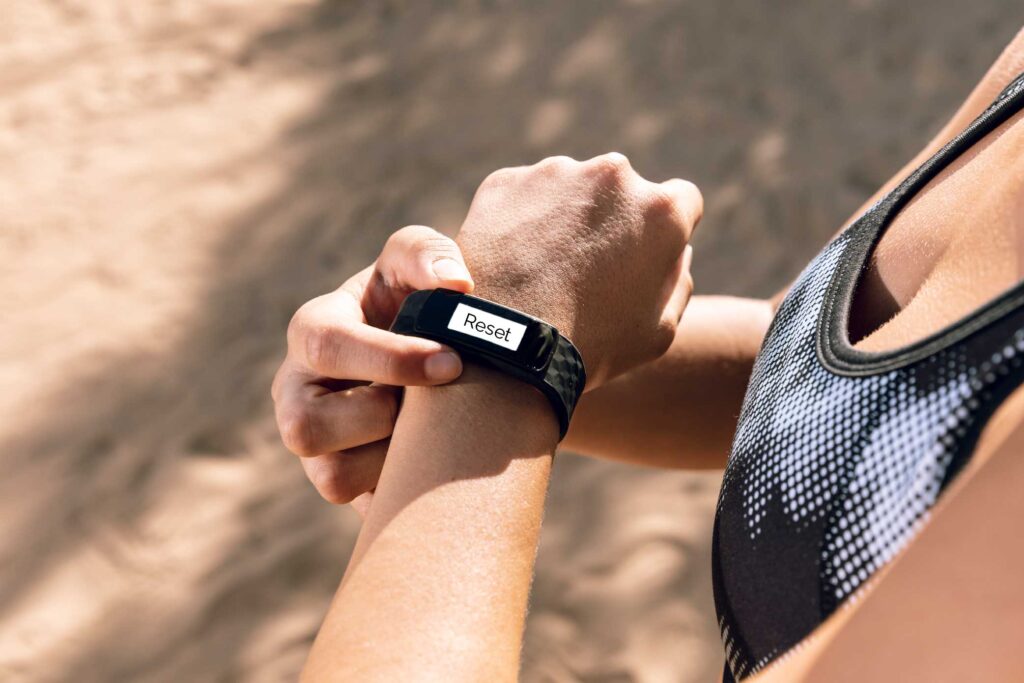
A soft reset is a quick and easy fix for minor issues without wiping out your data. Here’s how you can perform a soft reset on your Fitbit Charge 3:
1. Connect your Fitbit: Plug your charging cable into a USB port or a wall adapter, and then connect your Fitbit Charge 3 to the charging cable.
2. Press and hold the button: Press and hold the button on your Fitbit Charge 3 for about eight seconds.
3. Release the button: After holding the button, simply release it.
Your Fitbit Charge 3 will restart, and any minor issues should be resolved. The best part? Your data and settings will remain intact!
Performing a Hard Reset
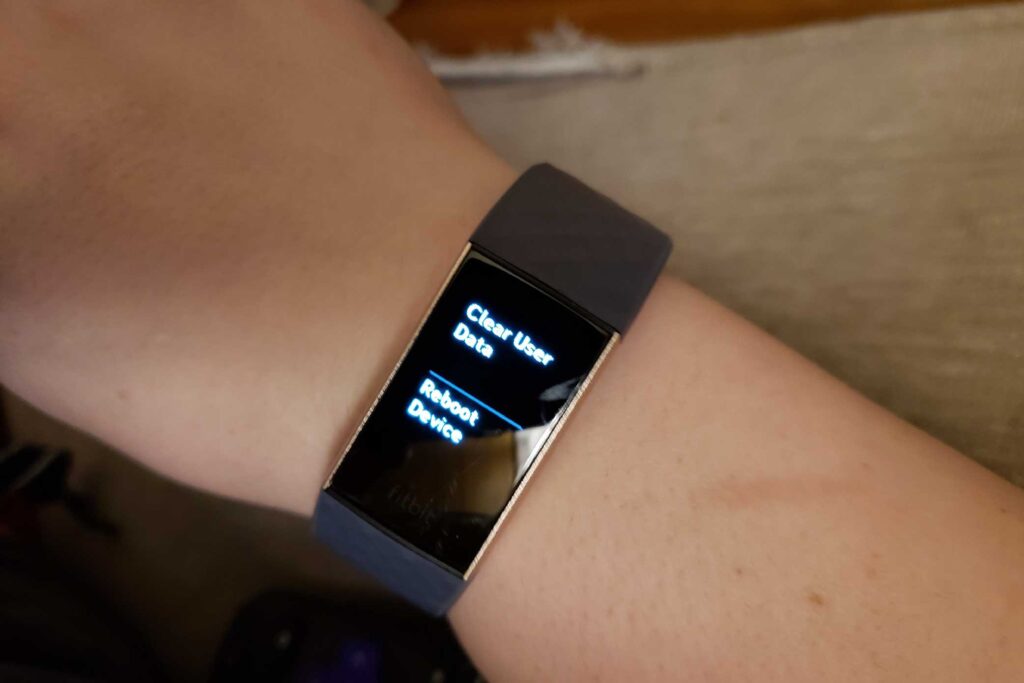
If the soft reset doesn’t do the trick, it’s time to take it up a notch with a hard reset. Remember that a hard reset will wipe all your data and restore the device to its factory defaults. Follow these steps to perform a hard reset on your Fitbit Charge 3:
1. Access device settings: Go to the settings menu on your Fitbit Charge 3.
2. Navigate to “About”: Scroll down and tap on the “About” option.
- Decide whether to “Clear User Data” or “Factory Reset”: Choose the “Factory Reset” or “Clear User Data” option by keeping an eye out for it and tapping on it.
4. Confirm the reset: Follow the on-screen instructions to confirm the reset process.
Be patient while your Fitbit Charge 3 completes the hard reset. Once it’s done, you’ll need to set up your device again and sync it with your Fitbit account.
After holding down the button for about 8 seconds and seeing the Fitbit logo appear on the screen, you should feel a vibration from the device. This is your cue to release the button and let the reset process begin. It’s important to wait for the vibration before releasing the button, as this ensures that the reset process has been initiated properly. Once you feel the vibration, your Fitbit Charge 3 will begin to restart and should be back to its default settings in just a few moments.
Troubleshooting Tips
If you’re still facing issues after resetting your Fitbit Charge 3, here are a few extra troubleshooting tips to get you back on track:
· Check for firmware updates: Make sure your Fitbit Charge 3 has the latest version. You can check for updates through the Fitbit app or the official Fitbit website.
· Verify system requirements: Double-check that your smartphone or computer meets the minimum system requirements for syncing with your Fitbit device.
· Restart your devices: Sometimes, a simple restart can work wonders. Try restarting your smartphone or computer and your Fitbit Charge 3 to resolve any temporary connectivity issues.
· Contact Fitbit support: If all else fails or you need further assistance, don’t hesitate to contact Fitbit support. They’re there to help you out!
Conclusion
Congratulations! You now have all the know-how to reset your Fitbit Charge 3 like a pro. Prepare your device beforehand, start with a soft reset, and move on to a hard reset if needed. And if any pesky issues persist, try the troubleshooting tips provided. Enjoy using your Fitbit Charge 3 to the fullest and easily conquer your fitness goals!